Stop Hunting Leonida BLIND
GTA 6's world spans six distinct regions, from Vice City's neon streets to Mount Kalaga's forests. Here's how to navigate Leonida without wasting hours searching.
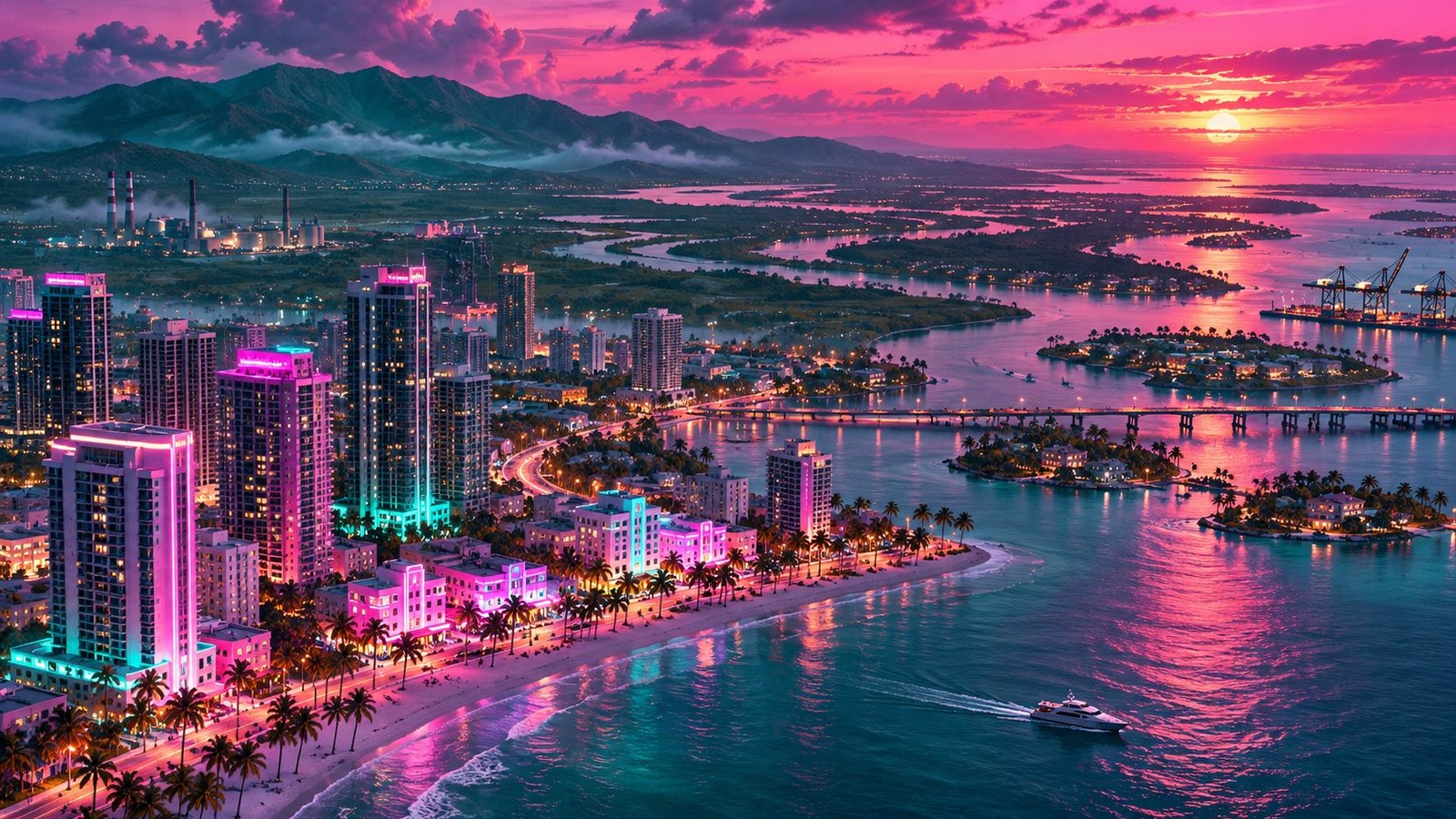
Leonida is a big place. You can spend an entire afternoon driving through Vice City, disappear into the wetlands, or head toward the forests and discover that the next interesting location is nowhere near where you started. That's part of the fun. But when you're hunting for a particular collectible or trying to remember where you spotted something interesting, driving around randomly gets old quickly.\n\nNow that GTA 6 is out, it's time to explore with a little more purpose. The trick is knowing which region you're looking for and using the map properly. Here's how I'd approach the entire Leonida map, what its regions offer, and how to keep track of everything you discover.\n\n[[IMG1]]\n\n## Where Is GTA 6 Set? Meet Leonida\n\nGTA 6 takes place in Leonida, Rockstar's fictional interpretation of Florida. Vice City is the major urban centre, but the surrounding state is much more than a collection of city streets. Different environments give you different reasons to leave the car, explore side roads and investigate unfamiliar areas.\n\nThe main named regions and locations include:\n\n| Location | What makes it interesting |\n|---|---|\n| Vice City | The modern-day Miami-inspired city and the main urban setting |\n| Port Gellhorn | A coastal town worth exploring beyond the main city |\n| Ambrosia | Leonida's industrial heartland |\n| Leonida Keys | Island environments along the coast |\n| Grassrivers | Wetlands that offer a different landscape from the city |\n| Mount Kalaga National Park | Forested territory away from the urban environment |\n\nThese are named areas, not six individual map pins. Don't confuse a regional location profile with an exact coordinate for a collectible or building. If you're looking for a particular marker, use the map's search and location details rather than assuming that a regional label identifies its precise position.\n\nVice City is the obvious starting point, but I'd resist spending the entire game there. The surrounding regions are a major part of what makes Leonida interesting.\n\n## GTA 6 Interactive Map: What Can You Find?\n\nAn interactive map is most useful when it does more than show you where you are. You want to narrow down the world to the specific things you're trying to find. Otherwise, a screen full of markers becomes another problem to solve.\n\nThe available map categories cover several important parts of the game:\n\n- Properties: Safehouses and garages.\n- Robberies: Banks, payday loans, safes, smash-and-grab targets, towable ATMs, illegal operations and fences.\n- Activities: Sports, races, arcade machines, hunting, fishing and random street events.\n- Collectibles: Hidden Packages, Cocaine Flamingos, street art, meteorites, stunt jumps and loot boxes.\n- Collectible Cards: Trading card sets and their individual locations.\n- Vehicles: Fuel stations, car washes, repair and customization shops, vehicle dealers and public transportation.\n- Weapons: Ammu-Nation stores, weapon pickups, armor and unique weapons.\n- Style: Clothing, footwear, hair and beauty services, tattoos, jewelry and electronics.\n- Food & Drink: Bars, fast food, cafes, street food and convenience stores.\n- Local Places: Towns, landmarks, hospitals, police stations, fire stations, ATMs, marinas and helipads.\n\nThat's a lot of information. My advice? Don't activate every category immediately. Start with whatever you're currently looking for, then expand the selection when you have a reason to explore nearby.\n\n[[IMG2]]\n\n## How to Use the GTA 6 Location Map\n\nYou don't need a complicated setup. A few basic controls are enough to turn the map into a useful companion while playing.\n\n1. Choose your map view.\n\nThe available map views include the default Ingame Map, Community V17 and Community V18. The Ingame Map provides selected points of interest and geographic labels that change with the zoom level. Community V17 offers a broader community marker collection, while Community V18 provides an alternative view without those markers.\n\n2. Search for a specific location.\n\nUse the search field to look up a place by name, description or available map coordinates. Searching is much faster than manually scanning the entire state, especially when you already know what you're trying to find.\n\n3. Filter the categories.\n\nOpen the location filters and switch individual categories on or off. You can also use group controls to show or hide broader collections of locations. If you're hunting collectibles, there's little reason to keep every restaurant, clothing shop and transport marker visible.\n\n4. Open individual markers.\n\nSelect a marker to inspect its available details. Depending on the map and marker, you may find a location description, photos, position notes and other information. Some locations also appear in clusters, which you can select to zoom closer.\n\n5. Track what you've already found.\n\nUse the available Found or visited controls to record your discoveries. You can hide completed locations, filter favourites and review your progress instead of repeatedly checking the same places.\n\n6. Save interesting discoveries.\n\nPersonal markers let you identify your own places with a name and description. Favourites and notes are useful when you find something interesting but don't want to investigate it immediately.\n\n> Viktor's tip: Keep the map open while playing, but don't turn your entire game into a checklist. Filter one category, find what you need, and go back to exploring. The map should save you time, not become your second job.\n\n## How Many Locations Are on the GTA 6 Map?\n\nThe published location catalogues don't all show the same totals. One catalogue lists 5,790 locations across 108 categories, while another describes a selection of 1,075 places across Leonida. These figures refer to different map catalogues and should not be treated as a single verified total of every discoverable location in the game.\n\nThe smaller catalogue provides a useful breakdown of its listed locations:\n\n| Category | Locations or listed items |\n|---|---:|\n| Safehouses | 4 |\n| Garages | 13 |\n| Robbery-related locations | 124 |\n| Hidden Packages | 13 |\n| Activities | 19 |\n| Ammu-Nation stores | 24 |\n| Vehicle-related locations | 150 |\n| Shops & Style | 132 |\n| Food & Drink | 515 |\n\nThe robbery-related total includes banks, illegal operations, smash-and-grab locations, payday loans and fences. Activities include gyms, golf courses, gang compounds and random events. Vehicle locations include gas stations, Pay 'n' Sprays, modification shops, car washes, dealers and public transport.\n\nFood & Drink is particularly crowded in this catalogue. If your map looks like someone dropped a box of pins over the city, I'd turn that category off first. You can always bring it back when you're looking for somewhere to eat or drink.\n\nOne important detail: published totals can change as locations are added or catalogues are updated. Some map views also have unavailable category counts. Don't assume that a displayed total is a definitive statement about every location in the game.\n\n## Is the GTA 6 Map Accurate?\n\nThis is where you should pay attention. An interactive community map is a navigation aid, not a guarantee that every marker represents a perfectly verified in-game coordinate.\n\nThe default Ingame Map includes selected points of interest and approximate community positions. Its geographic labels change according to zoom level, and its markers may include positions observed in PS5 captures. Community V17 and the default Ingame Map also share marker identities, although their displayed coordinates can differ.\n\nA few things to remember:\n\n- Some community marker positions are approximate.\n- A regional location page does not establish the exact position of a single marker.\n- An observed map icon does not automatically confirm a business name or a playable interior.\n- Some locations may be slightly misplaced.\n- New entries can appear as players discover additional places.\n- Geographic labels are not the same as collectible or progress markers.\n\nWhen accuracy matters, open the individual marker and check its available position notes and photographs. Don't rely entirely on the general map view.\n\nThis is particularly important when you're trying to complete a collection. A marker that looks close enough on a zoomed-out map might still send you to the wrong part of a neighbourhood.\n\n## Save Your GTA 6 Map Progress\n\nIf you're planning to explore Leonida properly, tracking your discoveries makes a noticeable difference. The available systems allow guest users to save certain choices locally and signed-in users to synchronize supported progress across devices.\n\nGuest progress remains in the browser on the device you're using. An account provides synchronization for saved locations and other supported progress information. Personal markers, favourites and notes can also help organize your own exploration.\n\nThere are differences between free and VIP features in one of the available tracking systems:\n\n| Feature | Free | VIP |\n|---|---:|---:|\n| Personal markers | 5 | 100 |\n| Saved filter sets | 1 | 8 |\n| Map profiles | Not included | Up to 4 |\n| Personal marker screenshots | Not included | Included |\n| Custom personal categories | Not included | Included |\n| Website advertisements | Present | Removed |\n\nVIP also includes other MyBase membership benefits. You don't need to upgrade simply to start tracking discoveries, though. Basic location tracking is available without payment in the described map system.\n\nMy recommendation is to start with the free options. Build a habit of marking discoveries, save locations you want to revisit and see whether you actually need additional profiles or filter sets. There's no point paying for a collection of tools you never open.\n\n## My Recommended Way to Explore Leonida\n\nHere's how I'd approach the map if I were starting a fresh exploration session.\n\n1. Open the Ingame Map and locate the region you want to explore.\n2. Turn on only the category relevant to your current objective.\n3. Search for a named location if you already know where you want to go.\n4. Zoom into the area and inspect individual markers.\n5. Check available photos and position notes before travelling to an unfamiliar location.\n6. Mark completed discoveries as found or visited.\n7. Save interesting places as favourites or personal markers.\n8. Switch categories when you finish your current objective.\n\nFor a collectibles session, I'd keep the relevant collectible markers visible and hide the rest. For vehicle exploration, focus on fuel stations, customization shops, car washes and dealers. For general exploration, use the geographic labels and regional views to understand where you are.\n\nLeonida rewards curiosity. The map simply helps you spend less time searching for something you already know exists. Use it intelligently, and you'll have more time to enjoy the actual game.

I'd keep an interactive GTA 6 map open whenever I'm hunting collectibles or exploring a region for the first time. Start with the free tracking features, filter aggressively and check individual marker details before making a long drive. Leonida is worth exploring without turning every session into a delivery route for map pins.
FAQ
gta 6 map location
GTA 6 is set in Leonida, a fictional Florida-inspired state. Its named regions include Vice City, Port Gellhorn, Ambrosia, the Leonida Keys, Grassrivers and Mount Kalaga National Park.
gta 6 location map
An interactive Leonida map offers searchable locations, category filters, marker details and progress tracking. Available views include Ingame Map, Community V17 and Community V18.
gta 6 missing persons location map
The supplied location information does not establish a complete missing-persons location map or verified coordinates for missing-persons activities. Check individual map entries for confirmed details.
gta 6 missing people
The available map material does not provide a verified list of missing people or their individual locations. It does describe searchable location categories and community-submitted points of interest.
gta 6 missing persons mission
The supplied material does not establish a specific missing-persons mission, its objectives or its unlock conditions. No mission steps or locations can be confirmed from these map details.
More GTA 6 news

GTA 6 Took a DECADE. Was It Worth It?
GTA 6 finally arrived on November 19, 2026, after development work stretching back to 2014. That's more than twelve years between the first groundwork and the game in your hands.

Is GTA 6 R-RATED? Not So Fast
GTA 6 puts you in the middle of a criminal world built around Jason and Lucia. But does that make it R-rated? The available facts don't confirm an official classification.

Vice City Driving Has Changed EVERYTHING
GTA 6 features hundreds of vehicles, more demanding driving physics, fuel management and a completely redesigned car theft system. Here's what you need to know before building your dream garage.

Find the RIGHT Off-Road Shop in GTA 6
GTA 6 has dedicated off-road customization shops across Leonida, including Wasteland Off-Road, Dirt Merchants and an Ultimate Edition exclusive. Here's where to find them and what each one offers.