GTA 6 Is Breaking in Strange Ways
GTA 6 is playable, but a growing list of glitches is disrupting missions, character switching, saves and cutscenes. Here's what's going wrong and which workarounds are worth trying.
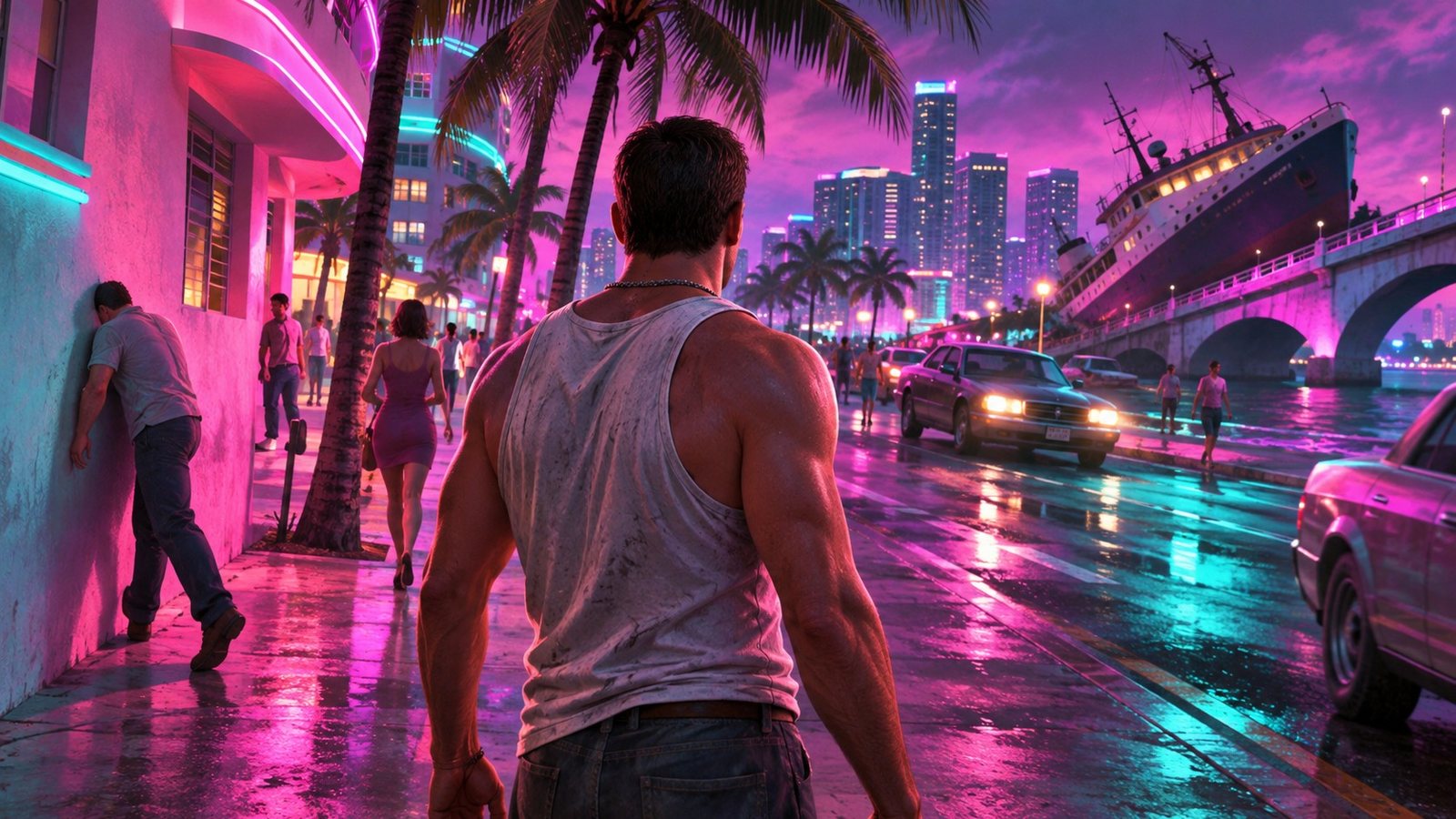
Vice City has plenty of ways to ruin your afternoon. Getting chased by the police is one thing. Having Jason disappear from your character selection or watching an important mission refuse to continue is quite another.
GTA 6 has developed a collection of technical problems since launch. Some are harmless visual oddities, while others interfere with story progression and can leave you wondering whether you've missed something or the game has simply lost the plot.
I've separated the problems by severity and included the available troubleshooting steps. The goal is simple: get back to playing without accidentally making a bad situation worse.
The GTA 6 glitches worth knowing about
Let's start with the problems that can genuinely interrupt your playthrough. The current collection of tracked issues includes several story-related failures affecting both console platforms.
| Reported problem | Platform | Current status |
|---|---|---|
| Jason becomes unavailable during Chapter 3 | PS5, Xbox | Confirmed |
| Fully Catered crashes during a delivery sequence | PS5, Xbox | Confirmed |
| Raul never contacts you after Photo Shoot | Xbox | Confirmed |
| Missing Raul call following Heavy Lifting | PS5, Xbox | Confirmed |
| Jason cannot purchase another body armor color | Xbox | Unconfirmed |
| Jason and Lucia repeatedly mention a tracker | PS5, Xbox | Unconfirmed |
The Chapter 3 issue deserves particular attention. Players have encountered a situation where Jason's character selection becomes disabled, preventing the usual switch between protagonists.
The Fully Catered problem is equally unpleasant. The game reportedly closes during the delivery-related cinematic, interrupting the mission.
There are also two separate progression complaints involving Raul. One concerns the expected contact following Photo Shoot, while the other appears after completing Heavy Lifting in Chapter 4.
Not every problem has the same verification status. The armor-color issue and repeated tracker dialogue remain unconfirmed, so don't assume that every player will experience them.
Stuck missions: possible ways forward
A mission that refuses to advance is considerably more frustrating than a character walking through a wall. Fortunately, some player experiences provide useful clues about what to try.
One example concerns Checking Out. Following Afternoon Delight, certain players reportedly never trigger the transition involving the Starlet Motel and the move to Vice City. Without that sequence, the next story objective remains inaccessible.
Coming Home has a different problem. During the pool activity involving Mattia at The Rusty Anchor, the game sometimes fails to acknowledge the opening shot. Because the subsequent scripted event depends on that interaction, the mission cannot continue normally.
Another reported issue affects Caught Slipping. In this case, a player discovered a possible workaround that involves moving away from the active mission area.
If you're dealing with a progression problem, here's the order I'd follow:
- Recheck the current objective. Make sure you've completed the interaction the mission expects.
- For the reported Caught Slipping issue, move outside the mission boundary, leave the parking area and continue along the street. The suggested workaround describes a darkened screen followed by an incoming call from Jason or Lucia.
- If nothing changes, try returning to the latest checkpoint or loading an earlier suitable save.
- When a particular sequence repeatedly fails, document the mission, the console and the action that immediately precedes the problem.
- Keep your existing manual saves rather than deleting them while experimenting with possible solutions.
The workaround involving Caught Slipping comes from an individual player experience. It hasn't been established as a universal solution for every progression failure.
Missing possessions and unexpected character changes
Not every GTA 6 problem involves a mission refusing to cooperate. Some affect the things you've collected or the appearance and attributes of your protagonists.
Jason's wardrobe is one example. Players have described purchasing outfits and hats during Chapter 1, only to find those purchases unavailable after entering Chapter 2.
Stash bags have also attracted attention. In certain reported cases, a bag vanishes after Jason enters a vehicle or a cinematic plays. The item reportedly disappears from both the map and the vehicle's storage, although the displayed money total may continue to include its value.
Lucia has a rather different problem. Following Making Gainz, her Strength attribute can reportedly remain at level 5, identified as Max Enhanced. Avoiding workouts and sleeping haven't consistently returned the attribute to a lower value. One player observed a change after completing VCIA Takedown, but that experience doesn't establish a reliable fix.
Then there's Donnie's payment system. After delivering the missing drugs to his trailer in Key Lento, the expected reward should appear in the mailbox at Jason's home after roughly one in-game day. There's an important catch: any outstanding payment disappears from the equation once Swamped begins.
| Problem | What the available information suggests |
|---|---|
| Jason's missing wardrobe purchases | Recheck available clothing after Chapter 2 begins |
| Stash bag disappears | Inspect the map, vehicle storage and displayed cash total |
| Lucia's Strength remains at level 5 | A player reported a change following VCIA Takedown |
| Donnie's payment is missing | Check the home mailbox after approximately one game day |

Crashes, overheating and audio failures
Technical crashes require a different approach from ordinary gameplay glitches. Before assuming your progress has disappeared, establish whether the game itself closed or whether the entire console experienced a problem.
On PS5, CE-108255-1 is a general application error. It can appear when GTA 6 fails and returns you to the console interface. The code alone doesn't establish that a particular save file has been damaged.
I'd begin with these checks:
- Look for a newer GTA 6 version. On PS5, highlight the game, press Options and select Check for Update.
- Make sure the console's system software is also current.
- Close GTA 6 completely instead of leaving it suspended.
- Restart the console and launch the game again.
- On Xbox, exit the running game through its console menu before opening it again.
If the failure keeps occurring during one particular sequence, collect some diagnostic information. Record the mission, console model, installed game version and any displayed error number. Also distinguish between a normal application failure and an unexpected shutdown of the entire machine.
PS5 owners experiencing temperature warnings or automatic power-offs should investigate the console itself rather than repeatedly relaunching GTA 6. Allow the system to cool, inspect its ventilation and contact PlayStation Repairs if the problem persists.
Headset interruptions are another reported issue. Disconnect the headset and replay the affected section using the television's speakers. If the sound becomes stable, reconnect the headset and inspect its connection. Wired users should check the controller connection, while wireless users can reconnect their headset or USB adapter. Testing the same equipment in another game can help narrow down the cause.
There is also a reported dialogue synchronization problem on PS5. To investigate it, compare the same cinematic using your usual audio arrangement and headphones connected directly to the DualSense controller.
Rockstar recommends recording the affected gameplay on PS5 and viewing that recording on another device. If the recording sounds synchronized but your television playback does not, the external audio equipment or display setup may be responsible. Game Mode and the Auto Low Latency Mode setting under Settings → Screen and Video → Video Output are among the settings worth comparing individually.
No repeatable, scene-specific solution has been established for every reported dialogue delay.
The funny GTA 6 glitches that won't ruin your save
Some problems in Leonida are less technical disaster and more accidental comedy.
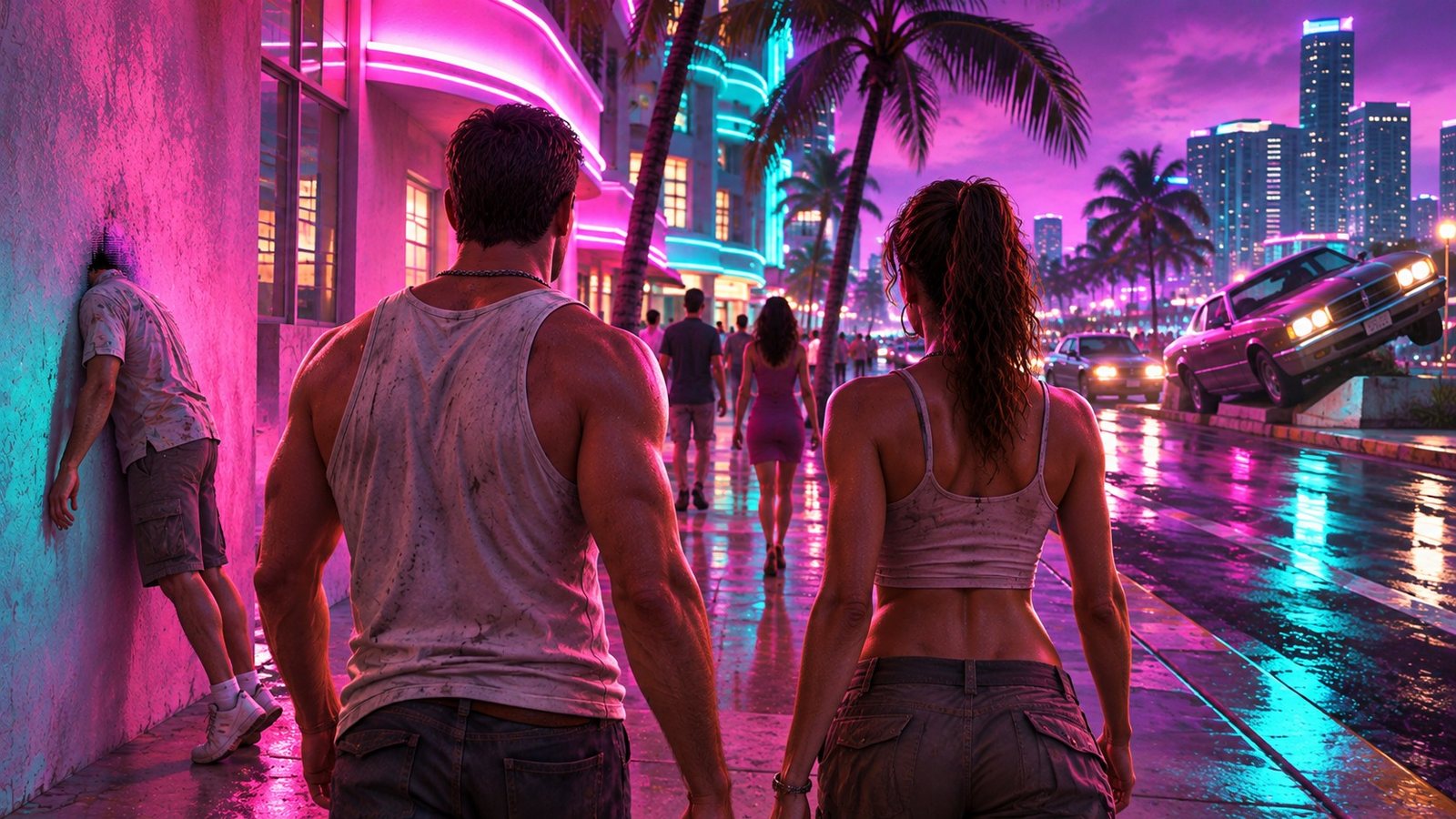
Pedestrians have been observed walking directly into building walls and becoming trapped. Other visual anomalies include objects hovering unexpectedly, particularly during protagonist changes at the safehouse.
Clothing can also appear incorrectly for brief periods. These cosmetic interruptions affect the visual presentation of Jason and Lucia without necessarily interfering with gameplay.
Vehicle behavior has produced some memorable moments too. One reported incident involved a ship appearing at an abnormal angle beside a bridge before returning to its usual position.
Gone Fishing has its own unusual interaction. Jason can collide with another boat carrying passengers, yet the occupants reportedly show no reaction and their vessel doesn't overturn.
Police encounters can become even stranger. When an officer attempts to tackle Jason, the two characters may overlap and become trapped inside a wall. After several seconds of chaotic movement, the officer is knocked unconscious and Jason becomes free again.
These visual and physics-related problems are worth recording if you encounter them. But unless they're interfering with an objective, I wouldn't restart an entire playthrough because a pedestrian has forgotten how buildings work.
How to document and report GTA 6 bugs
A useful bug report should explain how the problem happened, not simply show the aftermath. A screenshot of Jason standing inside a wall is amusing, but a short recording showing how he got there is considerably more valuable.
When documenting a problem, include the following:
- Console: PS5 or Xbox Series X|S.
- The current story chapter or mission.
- Whether Jason or Lucia was being controlled.
- The sequence of actions immediately before the failure.
- Any visible error number or warning.
- Whether restarting the game or loading a checkpoint changed anything.
- A gameplay recording when available.
For progression failures, retain your original save before attempting recovery. If a crash happens repeatedly in the same place, document each occurrence and avoid changing several settings simultaneously. Otherwise, identifying what actually helped becomes much harder.
A community-maintained GTA 6 bug tracker also provides a place to submit problems, attach gameplay recordings and vote on issues other players have already encountered. Registration isn't required for these contributions.
Its distinction between confirmed and unconfirmed entries is particularly useful. A single unusual experience shouldn't automatically become a universal diagnosis, especially when the proposed solution hasn't been reproduced.
For technical failures, Rockstar's troubleshooting guidance is a sensible starting point. For unusual gameplay behavior, reproducible footage and precise details provide a much clearer picture of what's happening.
GTA 6 remains worth exploring, but some of its technical problems are more than minor inconveniences. Protect your progress, keep track of repeatable failures and don't waste an evening restarting a mission when a simple workaround might get you moving again.
And if a ship decides to climb a bridge, well, that's probably just Vice City being Vice City.

I'd keep playing and avoid restarting a campaign over cosmetic problems. The Chapter 3 character issue, mission progression failures and repeated crashes are the ones I'd prioritize documenting and troubleshooting. Keep manual saves, test proposed solutions carefully and enjoy the occasional physics disaster when it doesn't interfere with your progress.
FAQ
gta 6 glitches
Reported GTA 6 problems include mission progression failures, character-switching issues, crashes, missing wardrobe purchases, disappearing stash bags, NPC wall clipping and visual pop-ins. Some entries are confirmed, while others still require verification.
gta 6 glitches reddit
Player discussions and community bug tracking highlight problems with Chapter 3 character availability, Raul's missing calls, Fully Catered crashes, disappearing items and missions that refuse to advance. Check the verification status before relying on an individual player's workaround.
More GTA 6 news

GTA 6 Took a DECADE. Was It Worth It?
GTA 6 finally arrived on November 19, 2026, after development work stretching back to 2014. That's more than twelve years between the first groundwork and the game in your hands.

Is GTA 6 R-RATED? Not So Fast
GTA 6 puts you in the middle of a criminal world built around Jason and Lucia. But does that make it R-rated? The available facts don't confirm an official classification.

Vice City Driving Has Changed EVERYTHING
GTA 6 features hundreds of vehicles, more demanding driving physics, fuel management and a completely redesigned car theft system. Here's what you need to know before building your dream garage.

Find the RIGHT Off-Road Shop in GTA 6
GTA 6 has dedicated off-road customization shops across Leonida, including Wasteland Off-Road, Dirt Merchants and an Ultimate Edition exclusive. Here's where to find them and what each one offers.