GTA 6 Controls Have More Than Muscle Memory
GTA 6 is out, and its control system goes well beyond running and shooting. Three layouts, contextual interactions, vehicle tricks and hidden actions are worth learning before Leonida gets the better of you.

Rockstar has given GTA 6 a control system with considerably more going on than pointing a gun and putting your foot down. Now that you're exploring Leonida, knowing the right inputs can make the difference between a clean getaway and an embarrassing meeting with the pavement.
The interesting part isn't just how many actions are available. It's how differently the game handles movement, combat, vehicles and interactions with the world. If you're still using the default layout without exploring its alternatives, you're leaving some useful options untouched.

Three control schemes, one important decision
GTA 6 offers three layouts: Default, Classic and Left-Handed. You can switch between them without restarting your adventure.
Here's what each option means:
| Control scheme | What it offers |
|---|---|
| Default | The standard button arrangement |
| Classic | Changes the arrangement, including the Run and Crouch buttons |
| Left-Handed | An alternative layout designed around left-handed input preferences |
None of these schemes gives you a gameplay advantage. The difference is comfort and familiarity. If you've spent years playing GTA 5, the Classic layout is worth checking before you retrain your muscle memory.
To change your controls:
- Open the main menu using Options on PS5 or Menu on Xbox.
- Enter Settings.
- Find Control Scheme.
- Select Default, Classic or Left-Handed.
- Check the preview on the right side of the screen.
- Close the menu. Your selection saves automatically.
You can also restore the default configuration using Square on PS5 or X on Xbox.
Movement and exploration have extra layers
The on-foot controls cover the obvious actions: moving, running, jumping, climbing, crouching and taking cover. But GTA 6 also gives you several contextual interactions that are easy to overlook.
For example, running towards a vehicle allows you to slide across its hood. You can also move around corners while taking cover, rest, interact with people and use a whistle to attract an enemy's attention.
There are several additional actions worth remembering:
- Inspect Surroundings: Hold the appropriate combination to examine your environment from a different perspective.
- Focus: Slow down time, highlight objects and follow sounds.
- Whistle: Attract an enemy's attention when looking in their direction.
- WAiNK: Open the application on your phone and scan vehicles.
- Check Engine: Examine a vehicle from the hood.
- Push Vehicle: Move a vehicle from its front or rear.
- Shove Vehicle: Apply more force or turn an overturned vehicle back onto its wheels.
The Focus function deserves particular attention. It combines several useful abilities, making it more than another button to ignore while sprinting through the streets.

Combat is about more than pulling the trigger
GTA 6 separates aiming, shooting and melee into distinct control categories. That matters because switching between them without understanding the inputs can make encounters unnecessarily difficult.
The aiming controls include scope zoom, changing your aiming shoulder, quick weapon swapping, quick throwing and detonating explosives. You can also prepare explosives before throwing them.
Melee combat has its own collection of actions:
- Lock on to an opponent or strafe around them.
- Punch and kick.
- Perform heavy attacks.
- Grapple an opponent.
- Follow up while grappling.
- Put an opponent into a vulnerable position.
- Block or counter an incoming attack.
Timing matters, particularly when countering. The counter or dodge action is designed to be used just before an incoming attack, rather than after you've already taken the hit.
There is also a contextual stealth system. Sneaking up behind an enemy lets you grab them, with a takedown available while holding them.
Driving, aircraft and bicycles have dedicated controls
Vehicle controls are divided into several categories. Cars, motorcycles and boats share a general driving setup, while aircraft, bicycles and parachutes have their own actions.
| Vehicle category | Important actions |
|---|---|
| Cars, motorcycles and boats | Steering, acceleration, braking, handbrake and vehicle interaction |
| Planes | Pitch, roll, throttle and landing gear |
| Helicopters | Altitude, descent, turning and weapon selection |
| Bicycles | Pedalling, leaning, sprinting and bunnyhopping |
| Parachutes | Opening, steering and braking |
Driving has several details worth learning. Holding the handbrake while turning at speed lets you drift or perform a U-turn. You can also duck to hide from the police, interact with vehicle functions and access the vehicle menu for options such as headlights and radio controls.
One particularly useful action is jumping out of a moving vehicle. A double-tap performs the action while leaving the engine running, so the vehicle continues moving. Just make sure you've thought about where it's going next.
Aircraft require a different approach. Planes use pitch, roll and throttle adjustments, while helicopters have separate altitude and turning controls. Armed aircraft also have weapon selection.
Bicycles aren't forgotten either. You can sprint, bunnyhop, ring the bell and kick. Swimming also has dedicated actions for diving deeper, surfacing and moving faster underwater.
GTA 6 controls on PS5 and Xbox: What should you adjust?
The control scheme preview is your best starting point. Rather than relying on a random button list, use the in-game display to check the exact mapping for your chosen platform and layout.
Both platforms support the three available schemes. The settings also provide options for Look Sensitivity, Aim Sensitivity and Inverted Controls.
These adjustments are particularly useful if the default camera movement feels too fast or too slow. You can change the sensitivity without changing your entire control layout.
A few things I'd test first:
- Compare Default and Classic before settling on one.
- Check aiming and shoulder-switching inputs.
- Practise the handbrake while turning at speed.
- Test Focus during exploration.
- Learn the vehicle menu and its available functions.
- Check the swimming and parachute categories before attempting activities involving water or altitude.
There is one more detail worth knowing: GTA 6 does not offer a complete first-person gameplay mode. Inspect Surroundings is one of the available ways to get a first-person-style perspective, but it isn't a full replacement for a dedicated first-person mode.
Are there secret GTA 6 controls?
Some of the most interesting actions aren't immediately obvious because they depend on context. You need to be looking at the right person, standing beside the right part of a vehicle or performing an action at the correct moment.
Examples include checking an engine at the hood, scanning a vehicle through WAiNK, whistling at an enemy, sliding over a vehicle's hood and flipping an overturned vehicle back onto its wheels.
These aren't separate cheat codes. They're contextual interactions built into the control system.
The same goes for combat. Grappling, follow-up attacks, vulnerable positions and counters add options beyond ordinary punching and kicking.
If you're hunting for secret controls, start by experimenting with Focus, contextual interactions and the vehicle menu. That's where I'd spend my time before looking for complicated button combinations.
The full control preview is already available in Settings, so there's no reason to guess your way through Leonida.

I'd stick with Default initially, especially if you're comfortable with modern GTA controls. But I'd absolutely spend ten minutes testing Focus, vehicle interactions and the melee system. GTA 6 rewards players who understand the contextual actions, not just those who can hold the accelerator and aim straight. Learn the controls once, and you'll spend less time fighting the controller.
FAQ
What are the GTA 6 controls?
GTA 6 has dedicated controls for movement, aiming, melee, vehicles, aircraft, bicycles, swimming and parachuting. You can view the complete button mapping under Settings > Control Scheme.
What are the GTA 6 controls on PS5?
PS5 supports Default, Classic and Left-Handed control schemes. Open Settings > Control Scheme to preview the button layout and select your preferred configuration.
What are the GTA 6 controls on Xbox?
Xbox Series X|S supports Default, Classic and Left-Handed layouts. Open Settings > Control Scheme to see the available button mappings and preview each control category.
What are the GTA 6 secret controls?
Useful contextual actions include Focus, Inspect Surroundings, whistling at enemies, scanning vehicles with WAiNK, checking engines, pushing vehicles and performing stealth takedowns.
More GTA 6 news

GTA 6 Took a DECADE. Was It Worth It?
GTA 6 finally arrived on November 19, 2026, after development work stretching back to 2014. That's more than twelve years between the first groundwork and the game in your hands.

Is GTA 6 R-RATED? Not So Fast
GTA 6 puts you in the middle of a criminal world built around Jason and Lucia. But does that make it R-rated? The available facts don't confirm an official classification.

Vice City Driving Has Changed EVERYTHING
GTA 6 features hundreds of vehicles, more demanding driving physics, fuel management and a completely redesigned car theft system. Here's what you need to know before building your dream garage.
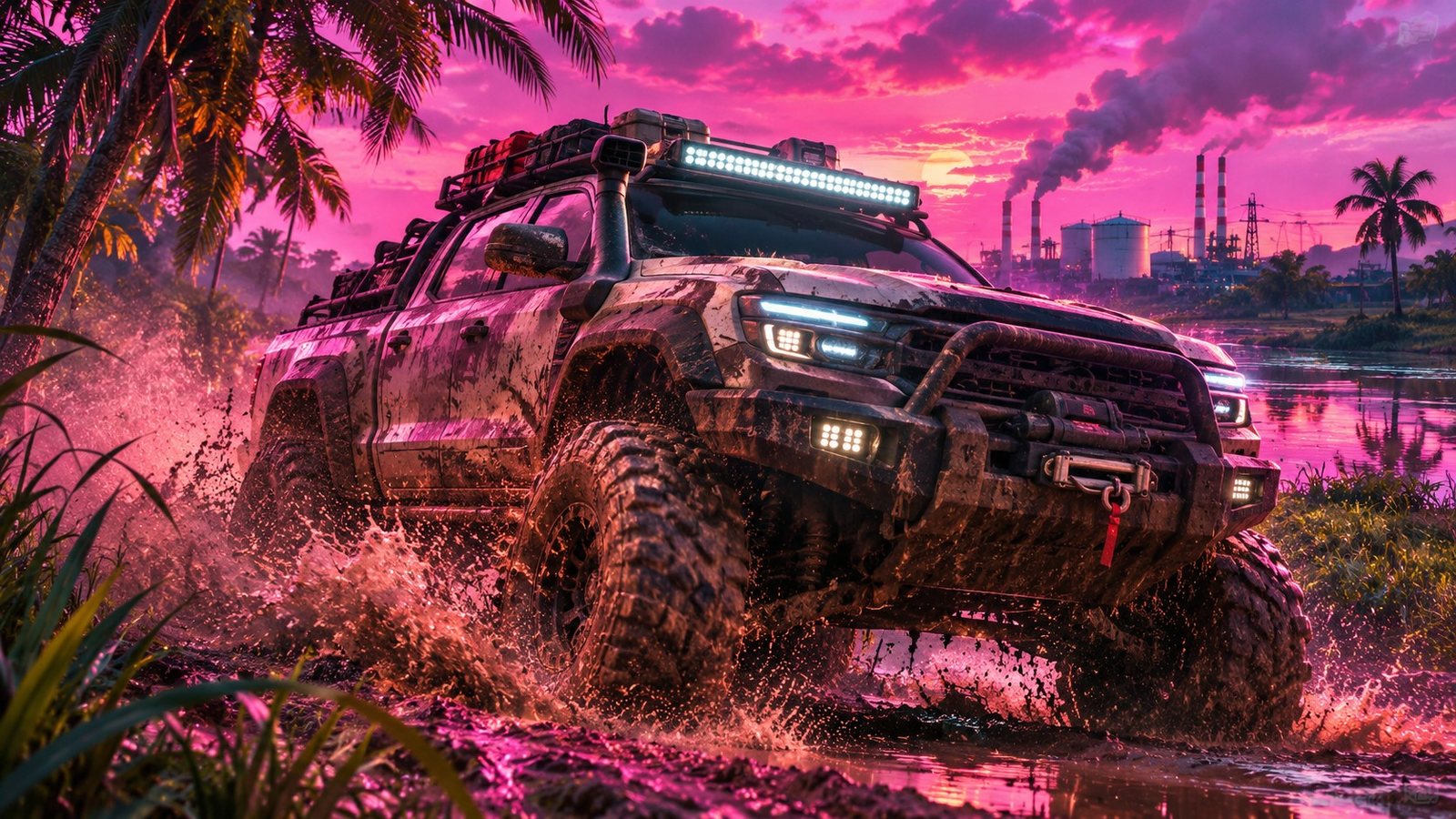
Find the RIGHT Off-Road Shop in GTA 6
GTA 6 has dedicated off-road customization shops across Leonida, including Wasteland Off-Road, Dirt Merchants and an Ultimate Edition exclusive. Here's where to find them and what each one offers.