GTA 6 Saves Could Cost You BIG
GTA 6 gives you manual saves, but only 15 slots and no mission replay. Make the wrong save at the wrong time, and getting back to that moment could be impossible.

You know that feeling in GTA 5 when you finish a mission, realize you made a mess of things, and simply replay it? GTA 6 apparently isn't giving you that luxury. The save system is straightforward, but the consequences of how you use it are considerably bigger. With only 15 manual slots, a story stretching across several chapters, and no mission replay option, your save file deserves a little strategy.

How to save your game manually
Saving works practically anywhere in the open world. You don't need to wait for a safe house or finish a specific activity before creating a save.
Here's the process:
- Press Start/Options to open the main game menu.
- Select the Game tab.
- Choose the save slot you want to use.
- Select Save Game.
That's it. You can load a previous save through the same menu, and you can overwrite any existing slot whenever you want.
| Action | How to do it |
|---|---|
| Open menu | Start/Options |
| Find saving | Game tab |
| Create save | Select slot → Save Game |
| Load save | Same menu |
| Overwrite | Any manual slot |
| Manual slots | 15 |
You only get 15 manual slots
This is where things get interesting. GTA 6 has 15 manual save slots, plus a separate hidden 16th slot reserved for auto-save. That sounds reasonable until you consider the size of the story.
The game reportedly has close to 100 missions spread across several chapters. Fifteen manual saves therefore represent roughly one save for every six or seven percent of the game if you distribute them evenly.
But evenly distributing saves isn't necessarily smart. Some moments are much more valuable to preserve than others.
| Save type | Slot allocation | Best use |
|---|---|---|
| Manual saves | 15 | Your own checkpoints |
| Auto-save | 1 hidden slot | Automatic progress protection |
| Chapter checkpoints | Part of your 15 | Beginning and end of major chapters |
| Mission backups | Part of your 15 | Before major story missions |

Auto-save is your safety net
GTA 6 also has an auto-save system. It uses a separate hidden slot, so it doesn't consume one of your 15 manual saves.
Auto-save triggers after several important events:
- Completing missions.
- Getting Wasted.
- Getting Busted.
- Major open-world encounters.
It's useful for keeping your progress moving, but don't treat it as a replacement for manual saves. Auto-save gives you a recent checkpoint; manual saves give you control over which moments you can return to.
Mission replay is gone
This is arguably the most important change for anyone who likes experimenting with story missions.
GTA 6 doesn't have a Replay Mission option after completing a mission. In GTA 5, you could open the pause menu, go to Game, and replay completed missions whenever you wanted. That option isn't available here.
The story progression is more linear, and the structure is more complicated. Rockstar's vice president of technology, David Hynd, explained that the team embraced a more open-ended design and wanted to reduce mission failures when players experiment or approach situations differently. The idea is to encourage players to play their own way, with missions being harder to fail than in previous games.
That makes your manual saves more valuable. If you want to revisit a particular story moment, your best option is to preserve a save from before it happens.
The save strategy I'd actually use
Don't waste slots saving every five minutes. You'll burn through your available space without creating meaningful checkpoints.
Instead, use a simple rotation:
- Keep one save from the beginning of the game.
- Save at the beginning of each major chapter.
- Create another save at the end of each major chapter.
- Before a major story mission, create a separate backup.
- Rotate older saves only when you've established a newer checkpoint you genuinely don't need to return to.
You don't need to predict every important moment. Major missions usually have recognizable setups, such as preparing for a heist. When the game starts making it clear that something big is coming, create a manual save.
This approach gives you a few different escape routes without turning your save menu into a museum of nearly identical checkpoints.
Cheats can lock you out of saving
There's one more thing to remember: activating cheats disables saving.
Once cheats are activated, you can't save your game normally. To get saving working again, you'll need to quit and reload a save created without cheats. Cheats also aren't available early in the story anyway, so this is something to keep in mind later rather than something you'll need to worry about immediately.
If you're planning a chaos-filled session, make sure your clean save is safe before you start experimenting.
The full story is expected to take over 100 hours for completionists, which makes preserving your progress especially important. Fifteen slots aren't many for a game of that size, but they're enough if you use them strategically.

I'd keep one permanent early-game save, rotate chapter checkpoints, and always create a backup before a major story mission. GTA 6 is built to let you experiment during missions, but without replaying completed missions, there's no reason to gamble your favorite story moments on a single save. Save smart, then go cause problems.
FAQ
Do cheats disable saving in GTA 6?
Yes. Activating cheats disables saving. You must quit and reload a save created without cheats to save again.
More GTA 6 news

GTA 6 Took a DECADE. Was It Worth It?
GTA 6 finally arrived on November 19, 2026, after development work stretching back to 2014. That's more than twelve years between the first groundwork and the game in your hands.

Is GTA 6 R-RATED? Not So Fast
GTA 6 puts you in the middle of a criminal world built around Jason and Lucia. But does that make it R-rated? The available facts don't confirm an official classification.

Vice City Driving Has Changed EVERYTHING
GTA 6 features hundreds of vehicles, more demanding driving physics, fuel management and a completely redesigned car theft system. Here's what you need to know before building your dream garage.
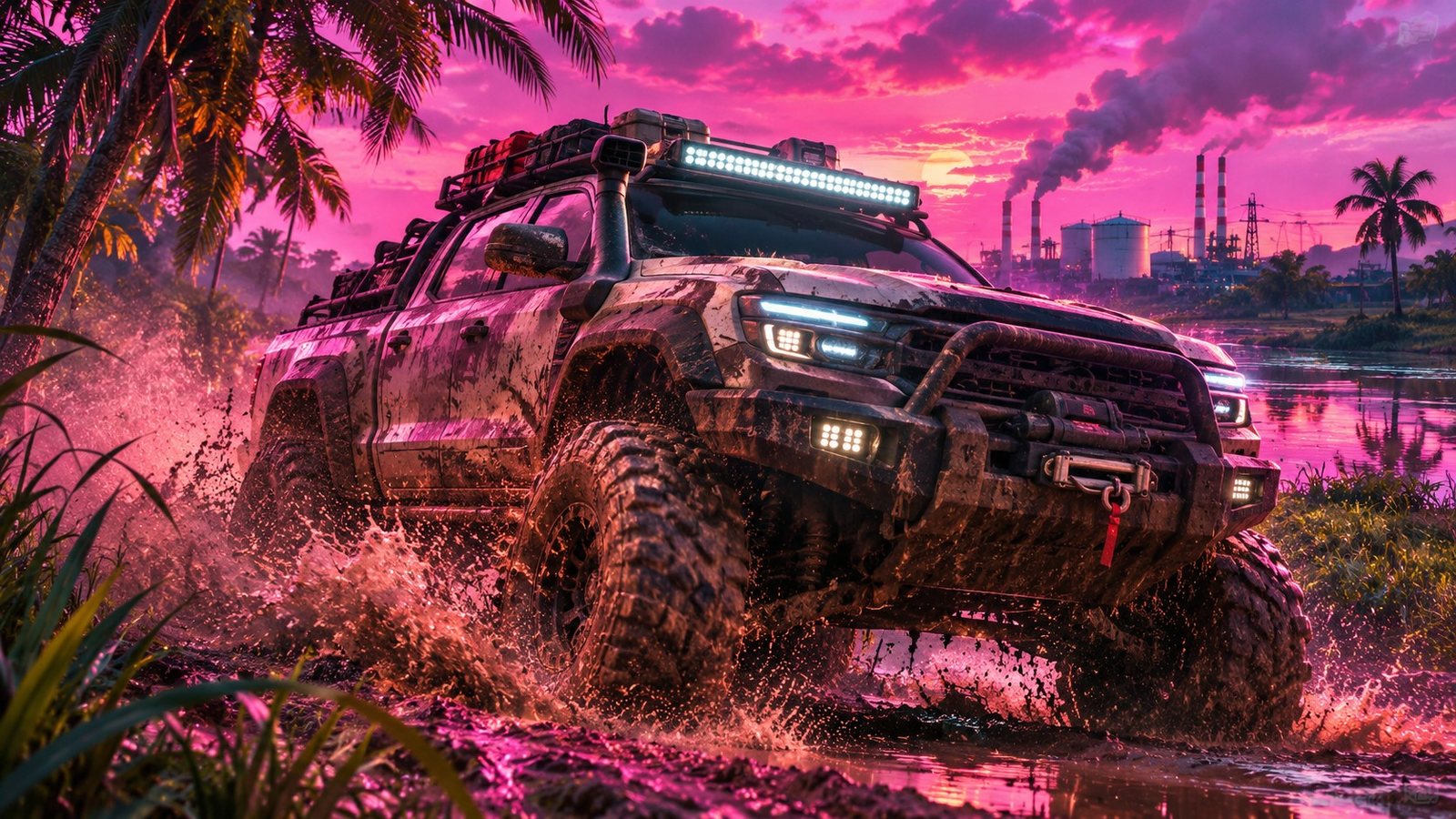
Find the RIGHT Off-Road Shop in GTA 6
GTA 6 has dedicated off-road customization shops across Leonida, including Wasteland Off-Road, Dirt Merchants and an Ultimate Edition exclusive. Here's where to find them and what each one offers.