Your TV Is Ruining GTA 6
GTA 6 runs at 30 FPS on every console, but the right HDR, camera and gameplay settings can make a noticeable difference. Start with your TV, not the game's menus.
GTA 6 gives you plenty of settings to mess with, but don't waste time looking for a Performance Mode. There isn't one. Rockstar is targeting 30 FPS across PS5, PS5 Pro, Xbox Series X and Series S, so your biggest improvements come from getting your display right and adjusting how the game feels in your hands.
And if your HDR looks washed out, your TV might be doing more damage than the game itself. Let's fix that first.
There is no graphics mode to choose
GTA 6 doesn't offer graphics presets or a Performance/Quality toggle on consoles. The game is built around a 30 FPS target, and Rockstar's technology production director Marc Chambers said even the PS5 Pro CPU isn't sufficient for the game's simulation at higher frame rates.
Here's what to expect from each console:
| Console | Expected performance | Graphics features |
|---|---|---|
| Xbox Series S | Around 720p upscaled to 1080p using FSR 4.1; occasional dips to 24 FPS and below 20 in heavy scenes | Reduced visual fidelity |
| PS5 | Near-locked 30 FPS, occasional dips to 27–29 | Ray tracing features |
| Xbox Series X | Near-locked 30 FPS, occasional dips to 27–29 | Ray tracing features |
| PS5 Pro | Smoothest console experience | PSSR upscaling, ray-traced shadows, RT reflections and RT global illumination |
If you're playing on Series S, don't expect a settings menu to magically unlock more frames. On the other consoles, the experience is generally steadier, while PS5 Pro gets the most advanced rendering features.
Fix HDR before touching brightness
This is the setting I'd check before anything else. Many HDR TVs apply their own tone mapping on top of the console's tone mapping. The result can be a washed-out picture, crushed contrast or brightness sliders that don't behave as intended.
HGiG helps prevent that double tone mapping.
- Switch your TV to Game Mode.
- Open your TV's Picture, Screen or Brightness settings.
- Find the HDR tone-mapping option.
- Enable HGiG.
- Save the setting and return to your console.
On LG TVs, the path is typically Brightness → HDR Tone Mapping → HGiG, and the option appears while Game Mode is enabled. Samsung, Panasonic, Sony and most newer HDR TVs have an equivalent setting, although the name and menu location can differ.
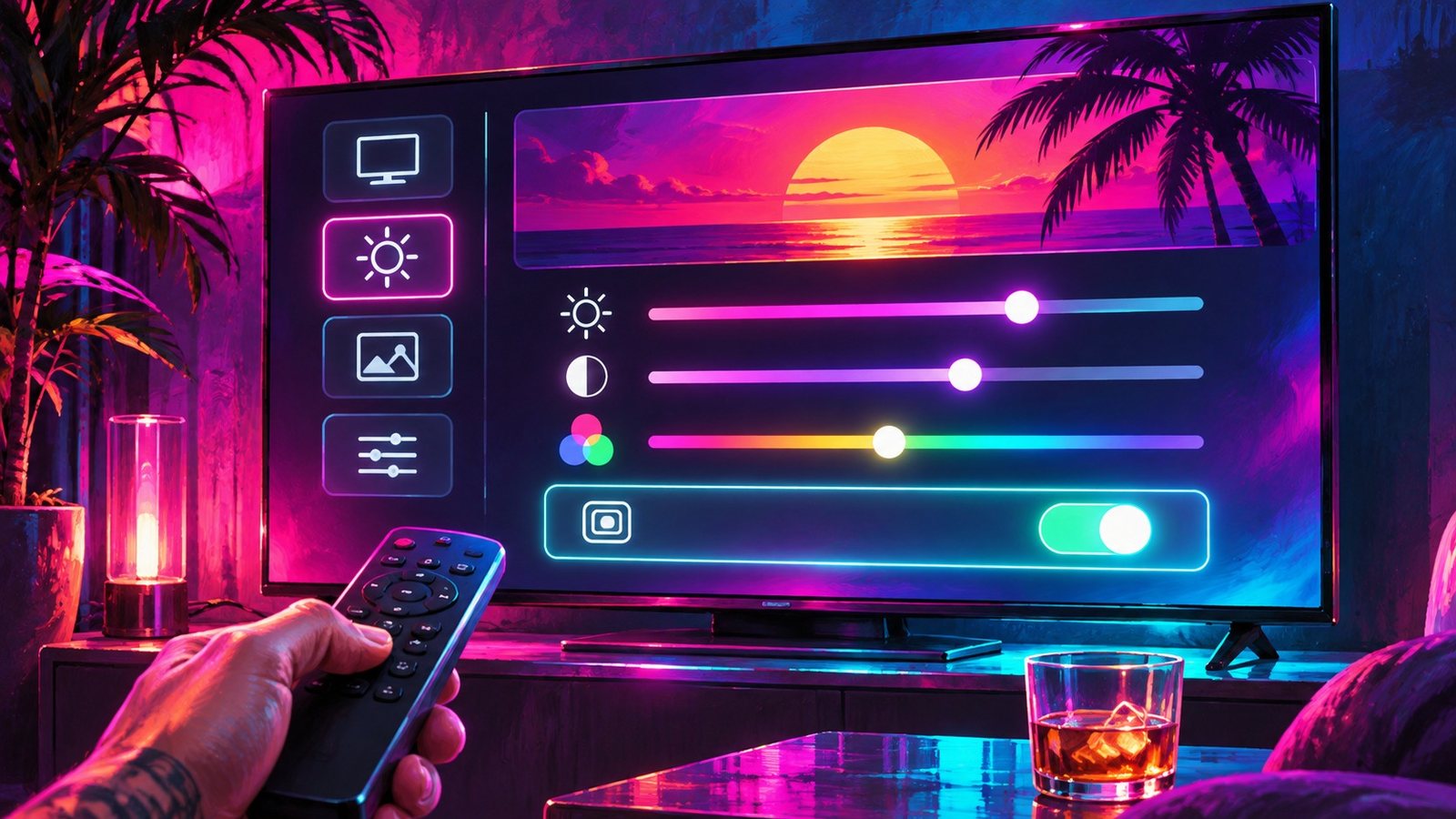
Calibrate HDR in the right order
Don't jump straight into GTA 6's brightness sliders. The order matters because the game's calibration depends on what your console and TV are already doing.
- Enable HGiG on your TV.
- On PS5, go to Settings → Screen and Video → Adjust HDR and complete the calibration.
- On Xbox, launch the HDR Game Calibration app and complete its calibration.
- Start GTA 6.
- Adjust the in-game HDR and brightness sliders using the game's instructions.
When the game tells you to adjust until the logo is barely visible, your display should now be handling HDR more predictably. If you calibrated before enabling HGiG, run the console calibration again.
Make the game easier without cheats
GTA 6 doesn't have a traditional difficulty slider, but its Gameplay menu offers two useful options if combat or vehicle damage gets frustrating.
| Setting | What it changes |
|---|---|
| Accessible Combat | Enemies have less health and deal less damage |
| Reduced Vehicle Damage | Vehicles withstand gunfire, environmental damage and crashes much longer, although several high-speed crashes can still destroy them |
To find them, pause the game, open Settings, use the bumpers to navigate to the Gameplay tab, and enable the options you want.
Rockstar warns that these settings significantly change the balance of gameplay. You can switch them on or off whenever you want.
This is also the cleaner option for players who just want to enjoy the story. Cheats unlock only after completing the main story, and using cheats disables saving, story progression and trophies.
You can also adjust lock-on and aim-assist options in Gameplay, so experiment until shooting feels natural rather than fighting the controller.
My controller and camera setup
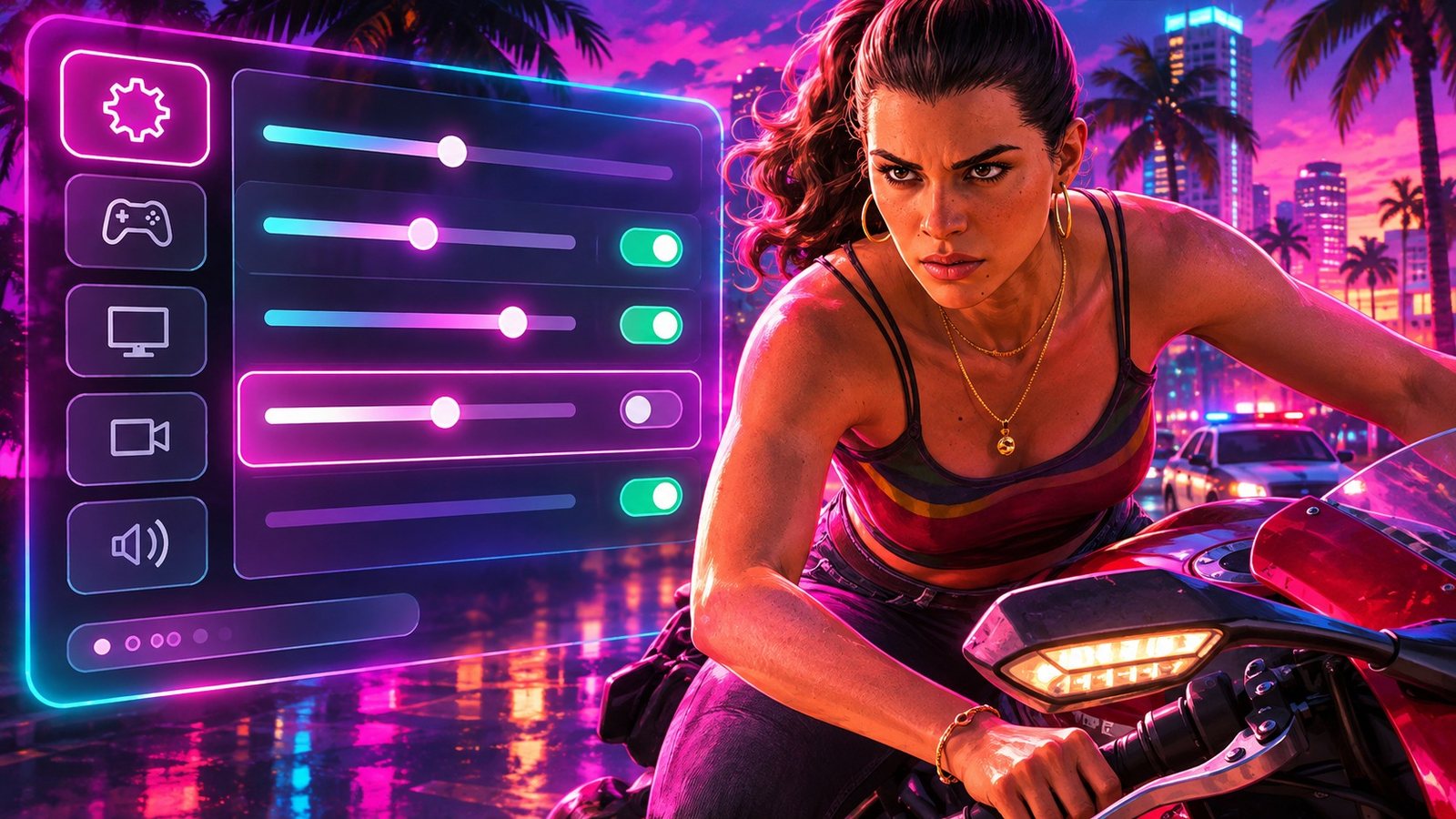
The menus are unusually extensive: 23 gameplay accessibility options, 12 display options, 70 UI options, 24 camera options and 14 audio options. That gives you room to make the game comfortable instead of accepting the default setup.
These are the first adjustments I'd make:
- Larger subtitles and font: Worth it if you're sitting across the room from your TV.
- Minimal HUD: Keep the screen clean when you want to enjoy Vice City's atmosphere.
- Sprint controls: Change sprinting to a hold or toggle option if repeatedly tapping feels annoying.
- Camera sensitivity: Raise it slightly if turning feels sluggish.
- Motion blur and camera shake: Reduce them if the camera makes long sessions uncomfortable and the options are available.
- Vibration: Turn it off if your hands get tired during extended sessions.
You don't need an expensive pro controller to play GTA 6. At a 30 FPS target, a standard controller is perfectly fine. I'd spend the money on a better display or simply keep the cash for the next ridiculous thing the game lets you buy.
Take breaks during long sessions, too. Your hands don't need to finish the entire criminal career in one sitting.
Can you play GTA 6 remotely?
Remote Play works over your home network on PlayStation and Xbox. Xbox Cloud Gaming is also an option, but it streams to Xbox consoles only, not PC, and uses Series S settings.
That means streaming isn't a way to get the higher-end console graphics. If you're playing remotely, prioritize a stable connection and comfortable controls over chasing image quality.
The best GTA 6 setup isn't about finding a hidden 60 FPS switch. Get HDR calibrated properly, adjust the controls to suit you, and use the accessibility options when the game starts getting in the way of having fun.

I'd enable HGiG, recalibrate HDR from the console, increase subtitle size, clean up the HUD and adjust sprinting before playing for hours. I wouldn't buy a new controller just for GTA 6. The biggest improvement is getting your TV and settings right, not hunting for a graphics mode Rockstar never included.
FAQ
Does GTA 6 have a Performance Mode?
No. GTA 6 has no console graphics presets or Performance/Quality mode. Rockstar targets 30 FPS across PS5, PS5 Pro, Xbox Series X and Series S.
What are the best HDR settings for GTA 6?
Enable HGiG in your TV's Game Mode, calibrate HDR using your console's calibration tool, then adjust GTA 6's in-game HDR and brightness sliders.
How do I make GTA 6 easier?
Enable Accessible Combat and Reduced Vehicle Damage in Settings → Gameplay. Both options can be toggled at any time.
Can I play GTA 6 on PC through Xbox Cloud Gaming?
Xbox Cloud Gaming streams GTA 6 to Xbox consoles only, not PC. Remote Play works over your home network on PlayStation and Xbox.
Does GTA 6 run at 60 FPS on PS5 Pro?
No. The target is 30 FPS. PS5 Pro offers the smoothest console experience with PSSR upscaling and additional ray-traced features, but no 60 FPS mode.
More GTA 6 news
GTA 6 Took a DECADE. Was It Worth It?
GTA 6 finally arrived on November 19, 2026, after development work stretching back to 2014. That's more than twelve years between the first groundwork and the game in your hands.
Is GTA 6 R-RATED? Not So Fast
GTA 6 puts you in the middle of a criminal world built around Jason and Lucia. But does that make it R-rated? The available facts don't confirm an official classification.
Vice City Driving Has Changed EVERYTHING
GTA 6 features hundreds of vehicles, more demanding driving physics, fuel management and a completely redesigned car theft system. Here's what you need to know before building your dream garage.
Find the RIGHT Off-Road Shop in GTA 6
GTA 6 has dedicated off-road customization shops across Leonida, including Wasteland Off-Road, Dirt Merchants and an Ultimate Edition exclusive. Here's where to find them and what each one offers.